
Quick answer
Use one host, one join link, and one live round.
The simplest Zoom trivia setup is one host running the session from one screen while participants join from their phones through one link in Zoom chat.
- One host controls the session from one screen.
- One join link goes into Zoom chat for everyone.
- One live round and leaderboard keep the group in sync.
- Participants join from their phones with no participant sign-up or app download required.
Before hosting
Zoom trivia feels easy when the join steps are short, the round length fits the call, and the host does not have to explain a bunch of software before anyone can play. Here's what you need:
A Zoom meeting link and a host who can share chat instructions clearly
A trivia format: solo play, teams, or a quick energizer round
A join setup that does not require people to create participant accounts on the spot
A clear plan for how long the round should run
How to host trivia on Zoom
The best Zoom trivia sessions feel simple from the first join instruction to the final leaderboard reveal.
Pick a format that fits the call
A 10-minute energizer works well before a workshop, while a 20-30 minute round fits team socials and remote offsites better. Decide whether people will play solo or in pairs before you invite them in.
Choose how players will join
The easiest Zoom trivia setup is one join link in chat and one host screen for everyone to follow. Players open the link on their phones while the host runs the live round from one shared screen. Avoid formats that make people download an app or create participant accounts before the round starts.
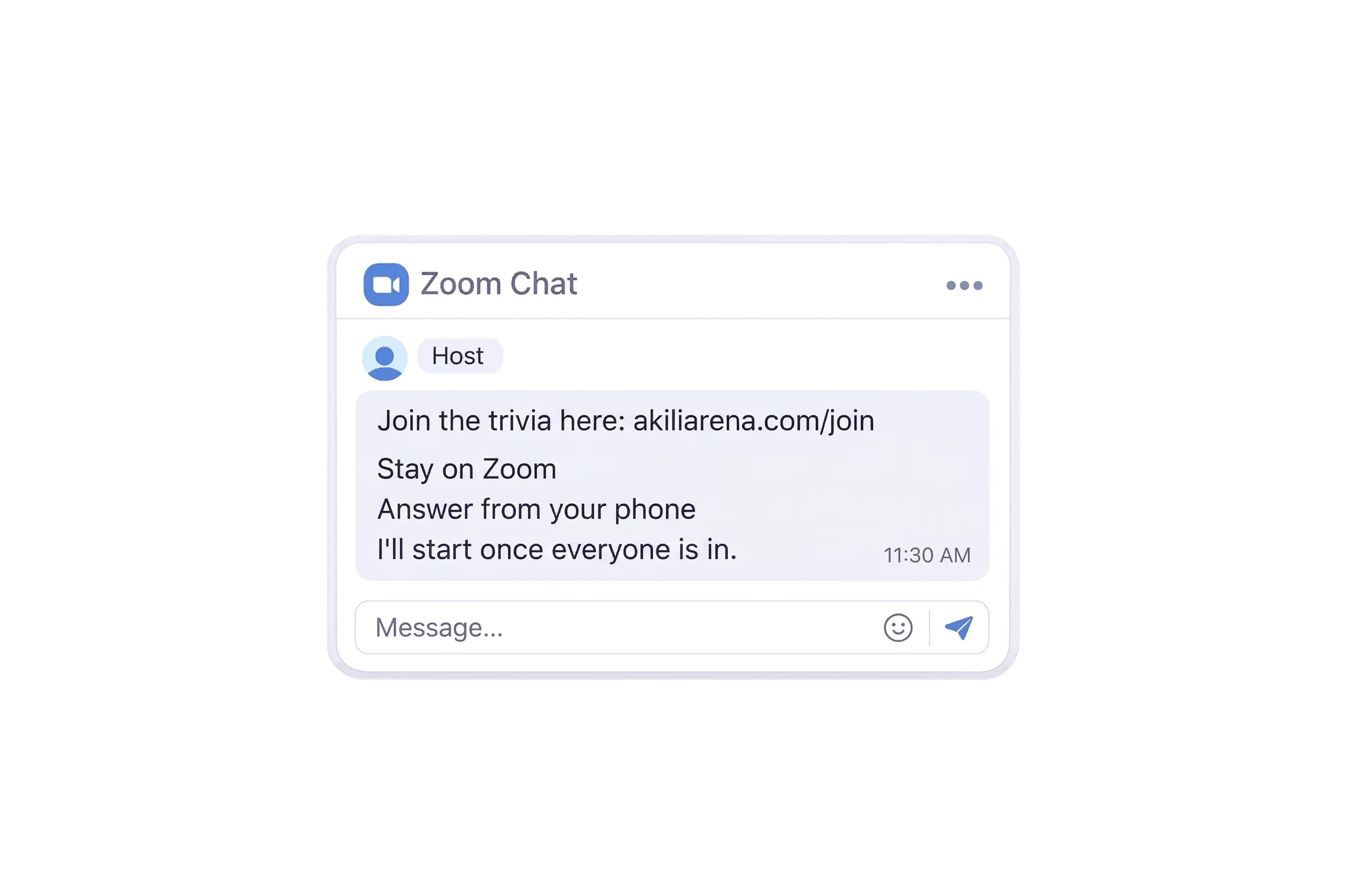
Drop the join link into Zoom chat
Once the group is on the call, post the join link in Zoom chat and let everyone join from their phone. Keep the instructions short and visible so the group does not stall.
Example Zoom chat message
Let everyone join before you start
Give people a moment to get in, answer questions, and then start when the group is ready. This is one of the easiest ways to avoid awkward stop-start energy on remote calls.
Run the live round in sync
Keep everyone on the same timed question at once. A shared live leaderboard helps the session feel like a real group activity instead of a scattered quiz link.
Wrap up while the energy is still high
Reveal the final ranking, call out a winner, and move on before the session drags. Zoom trivia works best when it feels crisp, not endless.
Zoom trivia formats
The right format depends less on the platform and more on how much time you have and how much energy you want to create.
10 min
Meeting energizer
Best for a quick break in a planning session, all-hands, or workshop. Keep the round short, the join instructions simple, and the topic broad enough that anyone can jump in.
20 min
Workshop or onboarding break
Use this when you need something more engaging than another discussion prompt but do not want the activity to take over the agenda.
30 min
Remote team social
This works well for virtual socials and distributed offsites where the goal is shared energy, light competition, and an activity that does not feel forced.
Common mistakes
Most awkward Zoom trivia moments come from friction, not the trivia itself. Avoid these common energy killers.
- Making people create participant accounts or download an app before they can play
- Using too many tools at once and forcing the host into tech support
- Making the round too long for the energy of the call
- Over-explaining the format instead of letting people join and start quickly
Zoom trivia FAQ
Practical questions that usually come up when you want the session to feel easy instead of improvised.
Do people need to install anything to play trivia on Zoom?
Not if you keep the format simple. The easiest version is one join link in Zoom chat plus one live host screen, so participants can stay on the call, answer from their phones, and skip participant sign-up or an app download.
How long should Zoom trivia take?
For meetings and workshop breaks, 10-15 minutes is usually enough. For virtual socials or offsites, 20-30 minutes is a better target before energy starts to dip.
Can I use the same format for hybrid groups too?
Yes. A link-based join setup also works for hybrid sessions, especially when some people are remote and others are together in one room.
What is the easiest way to host trivia on Zoom?
Use one host, one join link in Zoom chat, and one shared live leaderboard. That keeps the instructions clear, lets participants join from their phones, and avoids turning the activity into a tool tutorial.
What trivia games work well on Zoom?
The easiest Zoom trivia games are the ones with one host, one join link, and one live round everyone can follow together. As host formats, short solo rounds, pair play, and simple team-vs-team setups all work well when the join steps stay simple.
How do you run trivia games on Zoom for work?
For work teams, keep Zoom trivia short, easy to explain, and simple to join. Share the link in chat, let everyone join before you start, and run a timed round that fits the energy of the meeting, workshop, or team social.
Can you host Zoom trivia for free?
Yes. Free gives you 3 quiz sessions per month for up to 20 participants, and no credit card is required. That is enough to try a simple Zoom trivia round before deciding whether you need Pro or Event Pass.
Can you create your own trivia game for Zoom?
Yes. You can build your own Zoom trivia game by choosing a topic, writing or sourcing questions, deciding how people will join, and running the round live. The tradeoff is that manual setups usually take more prep and make the host responsible for every moving part.